

Switching to RexiO? Bring Your Memory With You.
Already trained ChatGPT or Gemini to know you? You don't have to start over. RexiO lets you import your memory in just two steps.
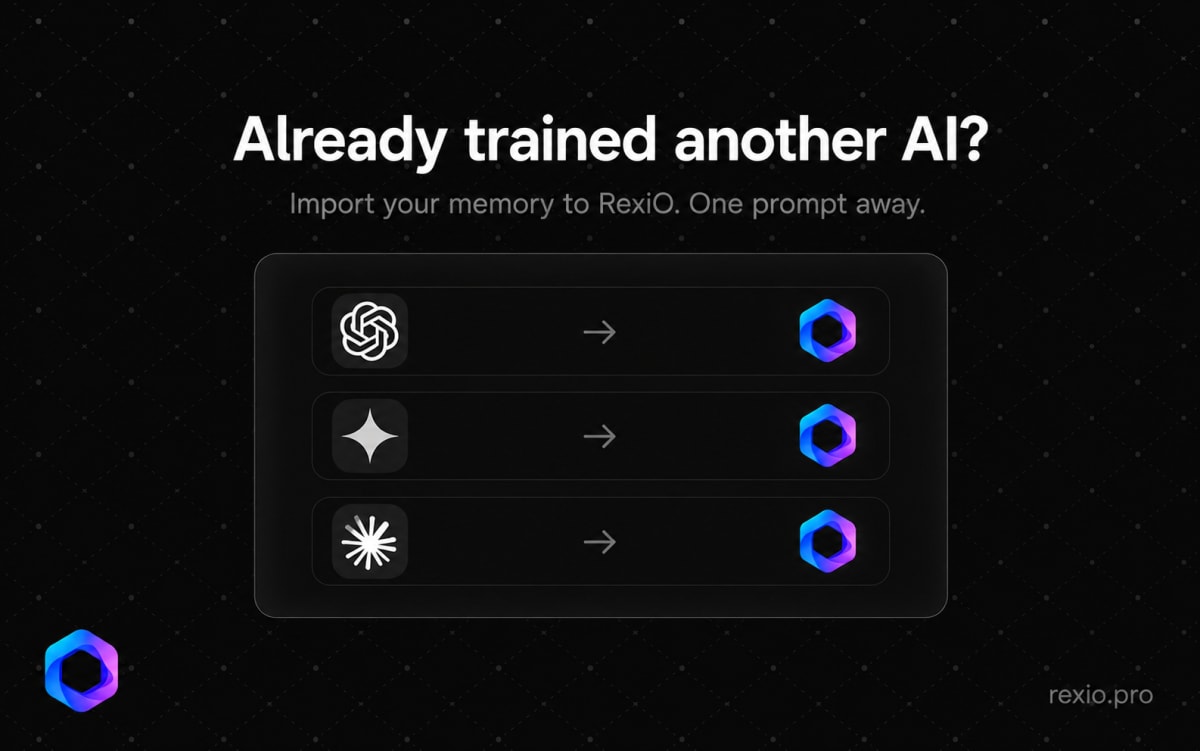
Switching to RexiO? Bring Your Memory With You.
You spent months getting another AI to understand you — your preferences, your tone, your workflow.
Starting over from scratch is frustrating. So we made it unnecessary.
How Memory Import Works
It takes two steps. No technical setup. No file exports.
Step 1 — Get your memory from your current AI
Go to Settings → Preferences → Import from other AI in RexiO. You'll see a ready-made prompt — tap Copy prompt.
Now open ChatGPT, Gemini, or whichever AI you've been using. Paste the prompt into a new chat and send it. It will respond with a structured export of everything it knows about you.
Step 2 — Paste it into RexiO
Copy that response. Go back to RexiO, paste it into the import text box, and tap Add to memory.
Done. RexiO now knows what your previous AI knew about you.
No Lock-in. Ever.
Your preferences and context belong to you — not to any one platform.
RexiO is built on that belief. Switch freely. Bring your history with you. Start where you left off.
Try it now at rexio.pro
More from Product
 Product
Coming Soon: Image Generation in RexiO
RexiO is getting Image Generation — describe what you want in Bangla or English, right inside your conversation. Free for every user, launching soon.
 Product
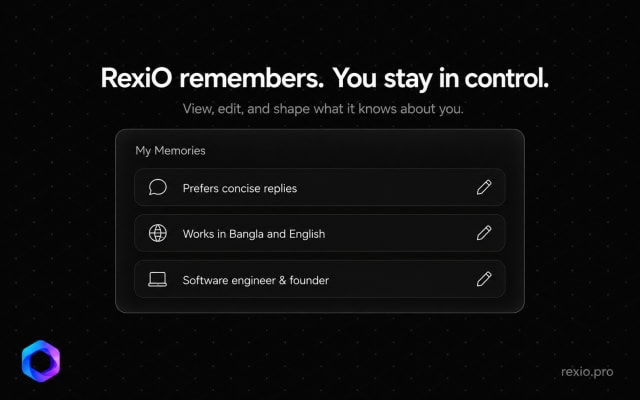
RexiO Remembers. You Stay in Control.
RexiO now lets you see exactly what it remembers about you — and edit or delete anything, anytime. Full transparency. Full control.
 Product
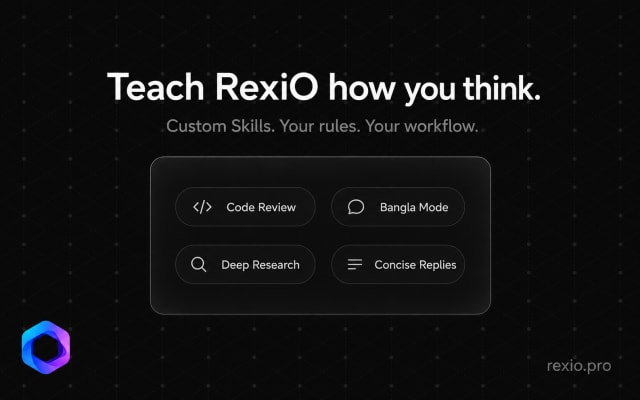
Teach RexiO How You Think: Introducing Custom Skills
RexiO now lets you create custom Skills — personal instructions that shape how your AI thinks, responds, and works. Your rules. Your workflow.