

How to Use Custom Skills in RexiO: A Step-by-Step Guide
Custom Skills let you teach RexiO how you work — once. No repeated instructions, no rephrasing every conversation. Here's the complete guide.
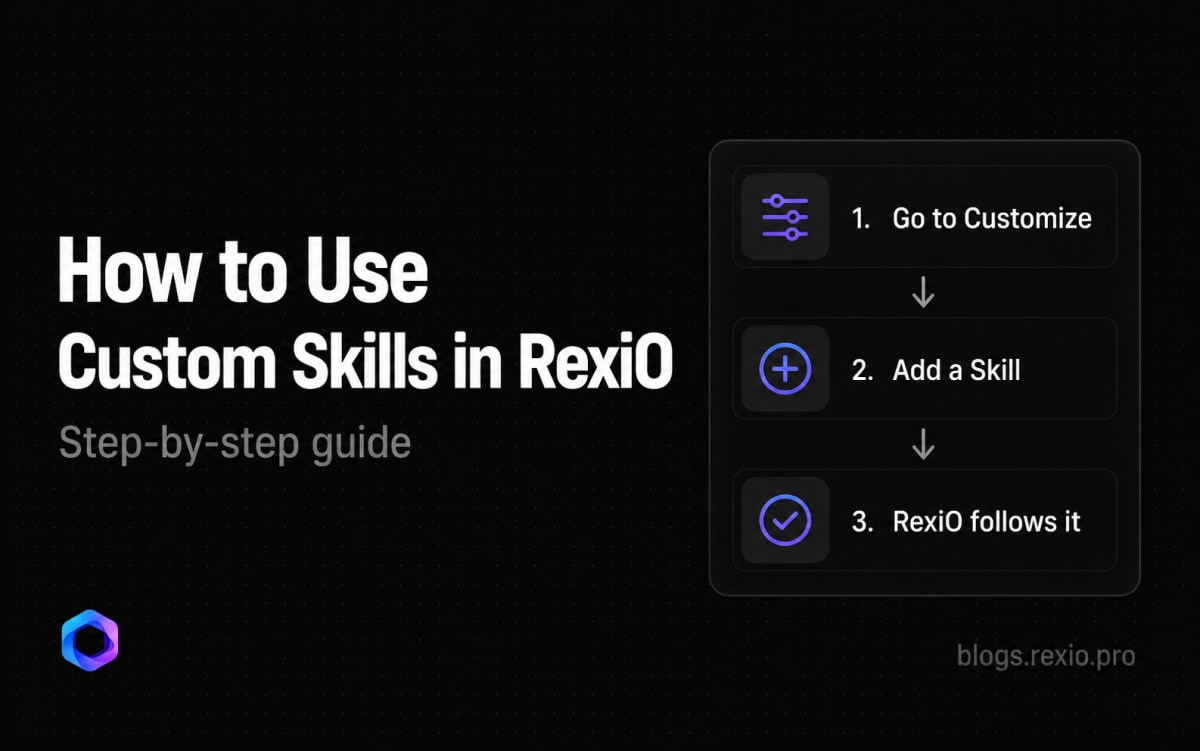
How to Use Custom Skills in RexiO: A Step-by-Step Guide
Every person works differently. A developer wants strict code reviews. A student wants simple explanations. A writer wants responses in a specific tone.
Most AI assistants make you repeat these preferences every single conversation. RexiO doesn't.
Custom Skills let you teach RexiO how you work — once. It follows your instructions automatically from that point on, across every conversation.
Here's everything you need to know.
What Is a Custom Skill?
A Custom Skill is a personal instruction you give RexiO. It can be anything:
- A language preference — "always reply in Bangla"
- A work style — "keep answers short and to the point"
- A task rule — "whenever I share code, review it strictly"
- A research habit — "always search the web before answering"
Once saved, RexiO treats that Skill as a standing rule. You never have to mention it again.
How to Create a Custom Skill
Step 1 — Open Customize
From your profile or settings, tap Customize. This is your personal AI configuration panel.
Step 2 — Tap Add Skill
You'll see your existing Skills listed here. Tap Add Skill to create a new one.
Step 3 — Write your instruction
Write your instruction in plain language — exactly how you'd tell a person. No special formatting needed.
Good examples:
- "Always reply in Bangla unless I write in English"
- "When reviewing code, be direct and point out every issue — don't sugarcoat"
- "Keep all responses under 5 sentences unless I ask for detail"
- "Before answering any factual question, search the web first"
Step 4 — Save
Tap save. RexiO picks it up immediately — no restart needed.
Two Smarter Ways RexiO Handles Skills
Beyond manually creating Skills, RexiO has two intelligent behaviors worth knowing about.
Tell RexiO in Chat — It Builds the Skill Itself
You don't always have to go to the Customize panel. If you tell RexiO something about how you want it to work — mid-conversation, naturally — it can create the Skill for you automatically.
For example, just say: "From now on, always reply in Bangla" or "Remember — I always want concise answers"
RexiO understands that as a standing preference and saves it as a Skill. No settings menu required.
Complex Tasks Teach RexiO Too
When you work through something complex with RexiO — a detailed research task, a coding workflow, a writing process — RexiO pays attention. It notices patterns in how you like to work and can proactively build Skills from those patterns, without you explicitly asking.
So over time, the more you use RexiO, the better it understands you — and the less you have to explain yourself.
Skill Ideas to Get You Started
Not sure what Skills to create? Here are some useful starting points:
For developers:
- "Review all code strictly — highlight every issue, no matter how small"
- "Always explain code changes with the reason, not just the fix"
- "Default to concise technical answers — skip the intro"
For students:
- "Break down complex topics step by step"
- "Use simple language and real-world examples"
- "After explaining something, ask me if I understood"
For writers:
- "Match my writing tone — don't make responses sound formal"
- "When editing, preserve my voice — only fix what's broken"
For general use:
- "Always reply in Bangla"
- "Search the web before answering factual questions"
- "Keep responses short unless I ask for detail"
Managing Your Skills
You can view all your active Skills in the Customize panel. From there you can:
- Edit any Skill — update the instruction anytime
- Delete Skills you no longer need
- Add as many as you want — there's no limit
RexiO applies all active Skills simultaneously, so they work together without conflict.
Why This Matters
Most AI tools are built for the average user. Custom Skills let you define what "good" means for you specifically — and hold RexiO to that standard permanently.
The goal isn't just a smarter AI. It's an AI that works the way you work.
Start building your Skills at rexio.pro